Back to all posts
5 min read
Which Property Details Should You Include on Your Real Estate Website?
See which property details buyers need on a realtor website, from price and location to photos, features, and inquiries.


Learn which property details to include on a real estate website, including price, bedrooms, bathrooms, parking, location, photos, descriptions, key features, and simple ways for buyers to send inquiries.
A Listing Is More Than a Photo and a Price
Someone finds a property on your website. They like the photos. The price looks good. Then they want to know more.
How big is it? How many bedrooms? Where exactly is it? Is it still available? What makes this property different?
Your property listing should give buyers enough information to decide whether this is the right property for them.
Before we get into the details: if you want to see how a clean property listing can be structured, check out Listings Starter. It’s FREE to grab.
1. Price
Let’s start with the obvious one.
The buyer needs to know what the property costs.
Show the listing price clearly. If it’s a rental, show the monthly price. If you work with different currencies, make that clear too.
Hiding the price doesn’t create much curiosity. It usually just makes people wonder whether they can afford the property in the first place.
If someone is looking for homes under $500,000, they shouldn’t have to contact you just to find out whether a listing is $400,000 or $900,000.
2. Property Type and Basic Facts
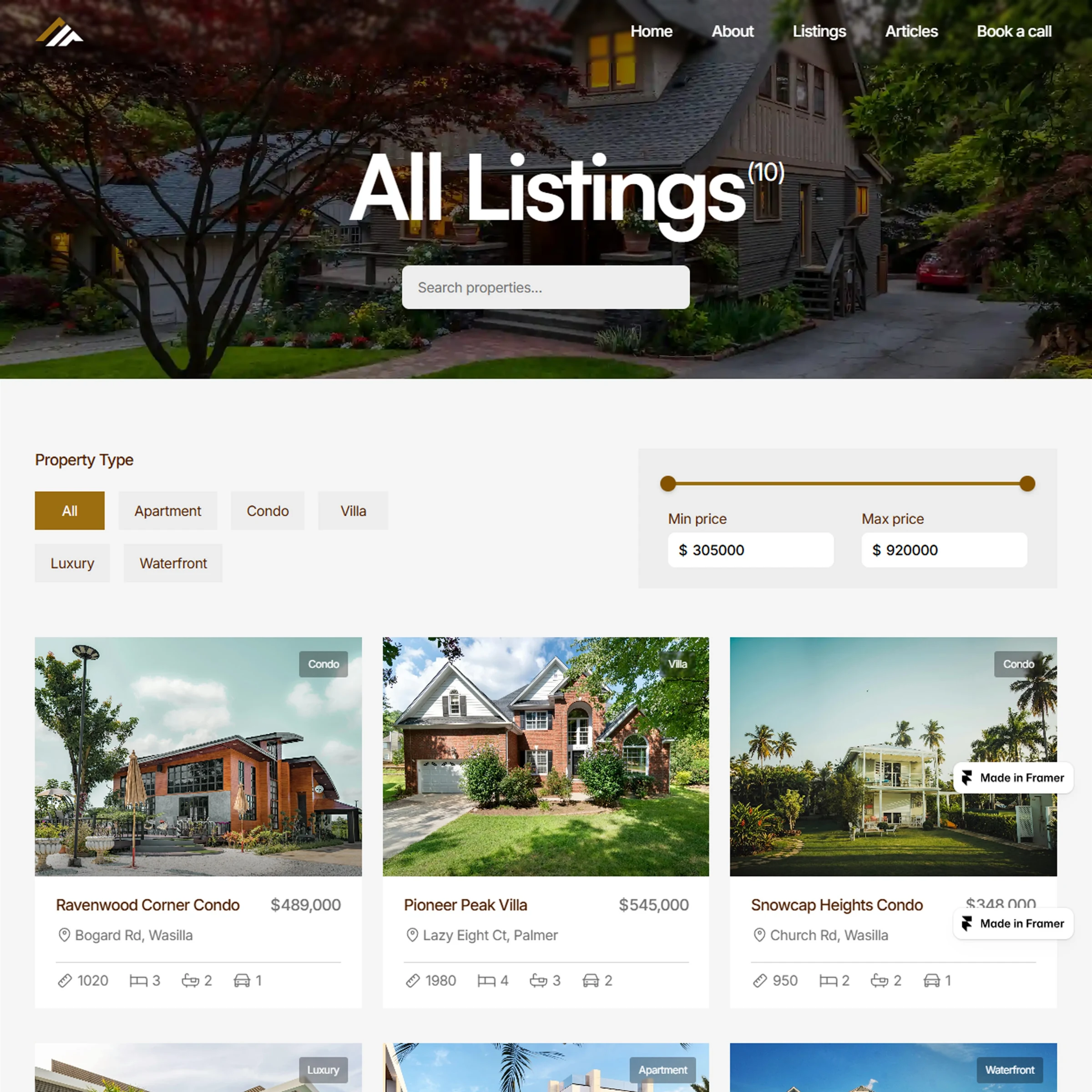
Once a buyer knows the price, they want the quick facts.
Is it a house, apartment, villa, commercial property, or land? How many bedrooms and bathrooms does it have? How large is the property? Is there parking? These details should be easy to scan, not buried inside a long paragraph.
A good example could be showing:
3 Bedrooms · 2 Bathrooms · Parking · 1,850 sq ft · Single Family Home
A buyer can understand the basics in a few seconds and decide whether they want to keep looking.
3. Location
Location can make or break a property. A buyer might love everything about a house, but if it’s 45 minutes from where they need to be, they’re probably out. Your listing should make the location clear.
Depending on the property and your business, that can include:
Neighborhood
City or area
Address, when appropriate
Map
Nearby areas or landmarks
Don’t just write New York when you can tell someone they’re looking at a property in Park Slope, Brooklyn. Give buyers enough information to understand where they’re actually looking.
4. Photos That Actually Show the Property
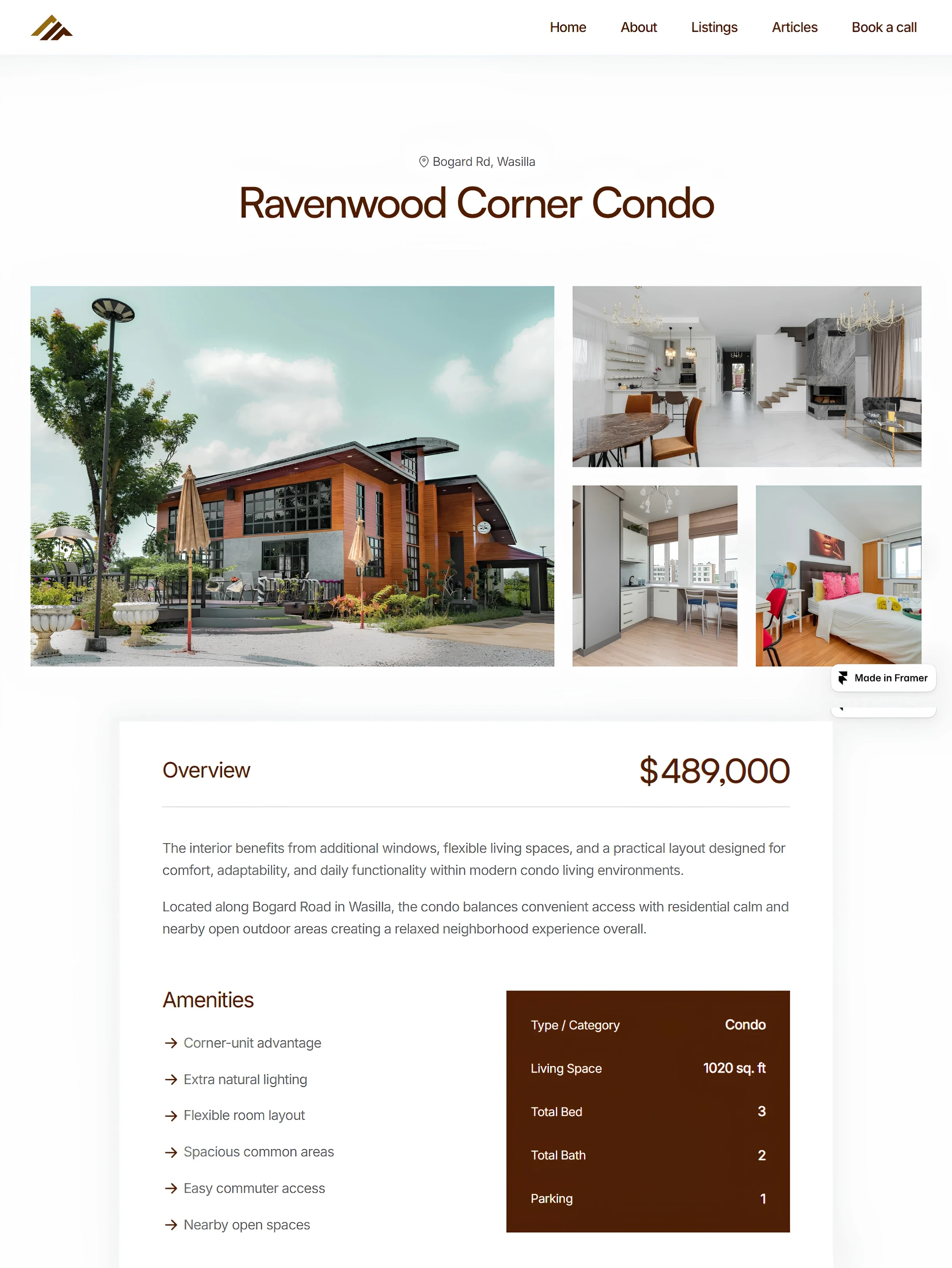
One beautiful photo of the front of the house doesn’t tell someone much about the house. Buyers want to look around before they decide whether a property is worth their time. Give them enough photos to understand the space.
Show the important areas, such as:
Living spaces
Kitchen
Bedrooms
Bathrooms
Exterior
Outdoor areas
Other features worth seeing
The gallery should also be easy to browse, especially on a phone. If someone has to fight with your website just to look through the photos, they’re not going to enjoy the experience.
5. A Clear Property Description
Photos show the property. The description gives it context.
Don’t fill the description with words like “beautiful,” “stunning,” and “amazing opportunity” without actually telling the buyer anything useful.
Talk about the things that help someone understand what the property is like:
Layout
Recent renovations
Outdoor space
Parking
Storage
Standout features
Anything that makes the property different
The goal isn’t to write the longest description possible. It’s to give buyers information they can’t get from the photos alone.
6. Property Features and Amenities
Some features can make a big difference to the right buyer.
Maybe the property has a garage, pool, balcony, garden, fireplace, parking, or smart-home features.
Give these features their own place in the listing so buyers don’t have to search through a paragraph to find them.
You don’t need to list every tiny detail. Focus on the things that actually matter for that property and the people looking for it.
7. Make It Easy to Answer Buyer Inquiries
Now imagine the buyer has gone through everything. They like the price. They like the photos. The location works. They’re interested.
Now they have a question.
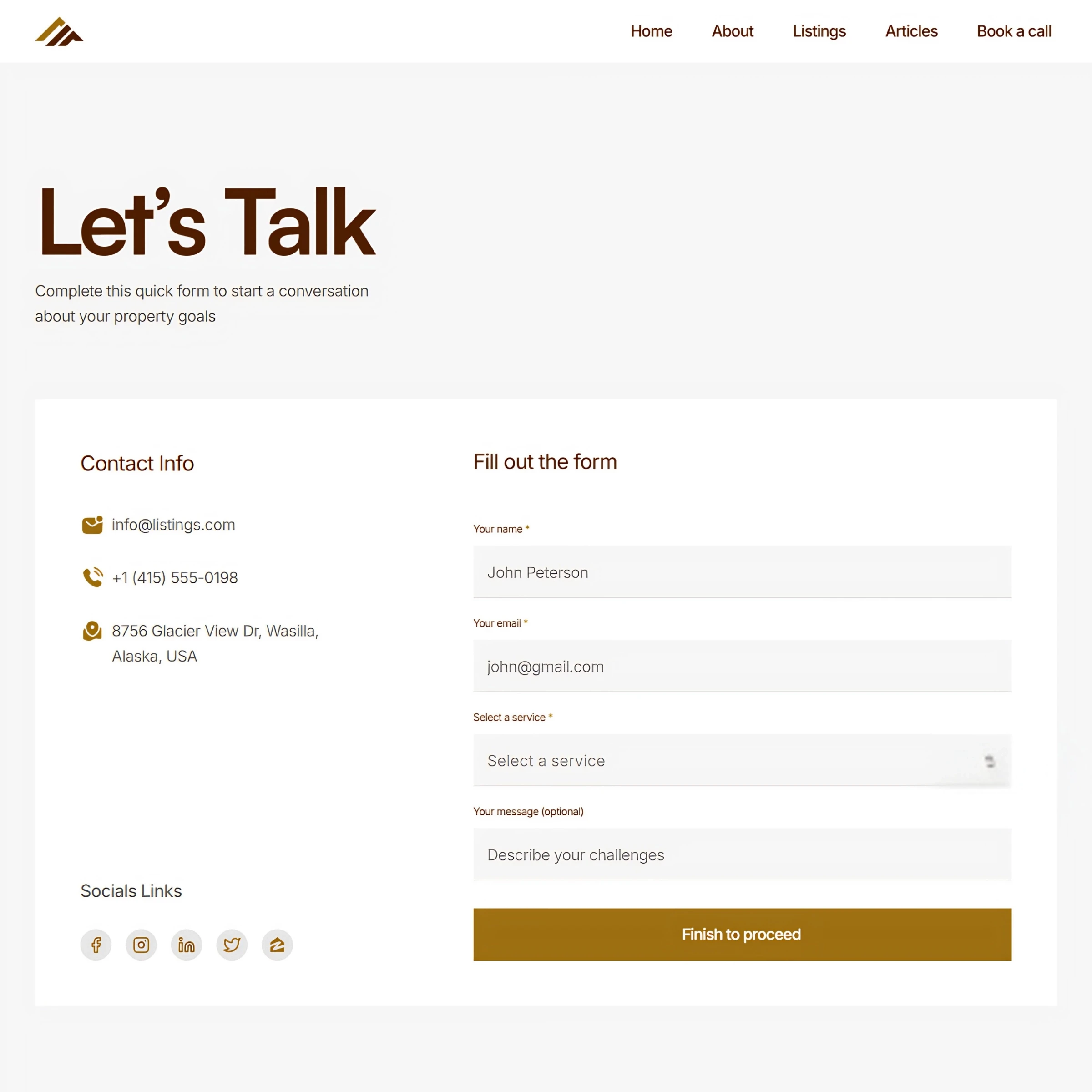
Maybe they want to know if the property is still available, ask about a feature, or schedule a viewing. Whatever the question is, make it easy for them to reach you.
A simple contact form, email address, phone number, or clear inquiry button can be enough. You don’t need a giant form with 15 fields. Just give buyers an easy way to ask about the property they liked.
Wrapping It Up
A good property listing should answer most of the questions a buyer has before they ever contact you.
Price → basic facts → location → photos → description → features → easy inquiries.
When these details are clear and easy to find, buyers can spend less time hunting for information and more time deciding whether the property is right for them.
If you want a real estate website where all of these property details have a proper place, check out Listings, a complete real estate website solution. It’s designed for solo realtors and agencies who want a website that makes browsing properties and getting in touch easier.
Not ready to commit yet? Start with Listings Starter. It’s FREE to grab, so you can explore the template and see how it works for yourself.
Explore More Related Articles

Continue Reading
Real Estate
Top 5 Reasons Your Real Estate Website Might Be Losing Clients
5 min read
Sep 12, 2026
Real Estate

Continue Reading
Real Estate
What Should the First 10 Seconds on a Realtor Website Feel Like?
5 min read
Sep 9, 2026
Real Estate

Continue Reading
Real Estate
Is Your Design Studio Website Making These 5 Mistakes?
5 min read
Sep 5, 2026
Real Estate

Continue Reading
Real Estate
How to Make Your Product Design Website Tell Your Story
5 min read
Sep 2, 2026
Real Estate