Back to all posts
5 min read
Before You Send Someone to Your Realtor Website, Check These Things
Check these important parts of your realtor website before sending buyers, sellers, or referrals to it safely.


Before sending someone to your realtor website, check your listings, mobile experience, links, contact forms, images, content, and contact details to make sure everything works and looks current and correctly.
What Happens After You Send Them?
You meet a potential buyer at an open house. Someone finds you through Instagram. A friend refers a client to you. You send them your website without thinking twice.
But when was the last time you actually went through your own website like a visitor?
It’s easy to miss small problems when you’re used to seeing your own website. A broken button, an old photo, or a contact link that doesn’t work might seem minor to you, but the person visiting your website doesn’t know what’s supposed to happen.
Before you send someone there, take a few minutes to check these things.
Before we get into it: if you want to see what a clean real estate website can look like, take a look at Listings Starter. It’s FREE to grab.
1. Check Your Listings
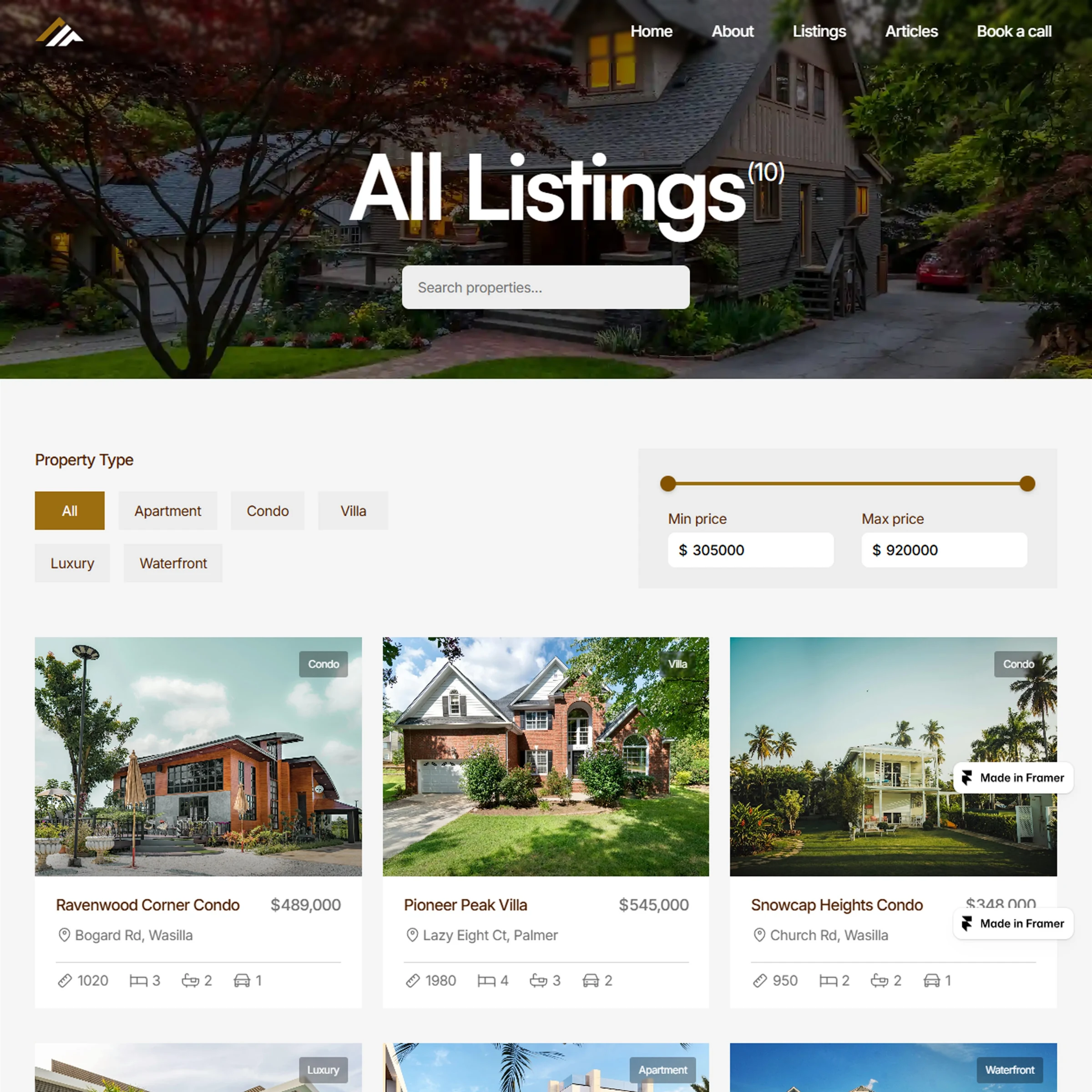
Your listings are one of the first things a potential buyer may look at, so make sure everything they see is accurate and working properly.
Check that your current listings are showing correctly, prices are accurate, filters work properly, property details are complete, photos load properly, and property pages open correctly.
Don’t just check whether your listings are there. Browse them like a buyer and make sure the filters, prices, photos, and property details all work the way they should.
2. Test Your Website on Your Phone
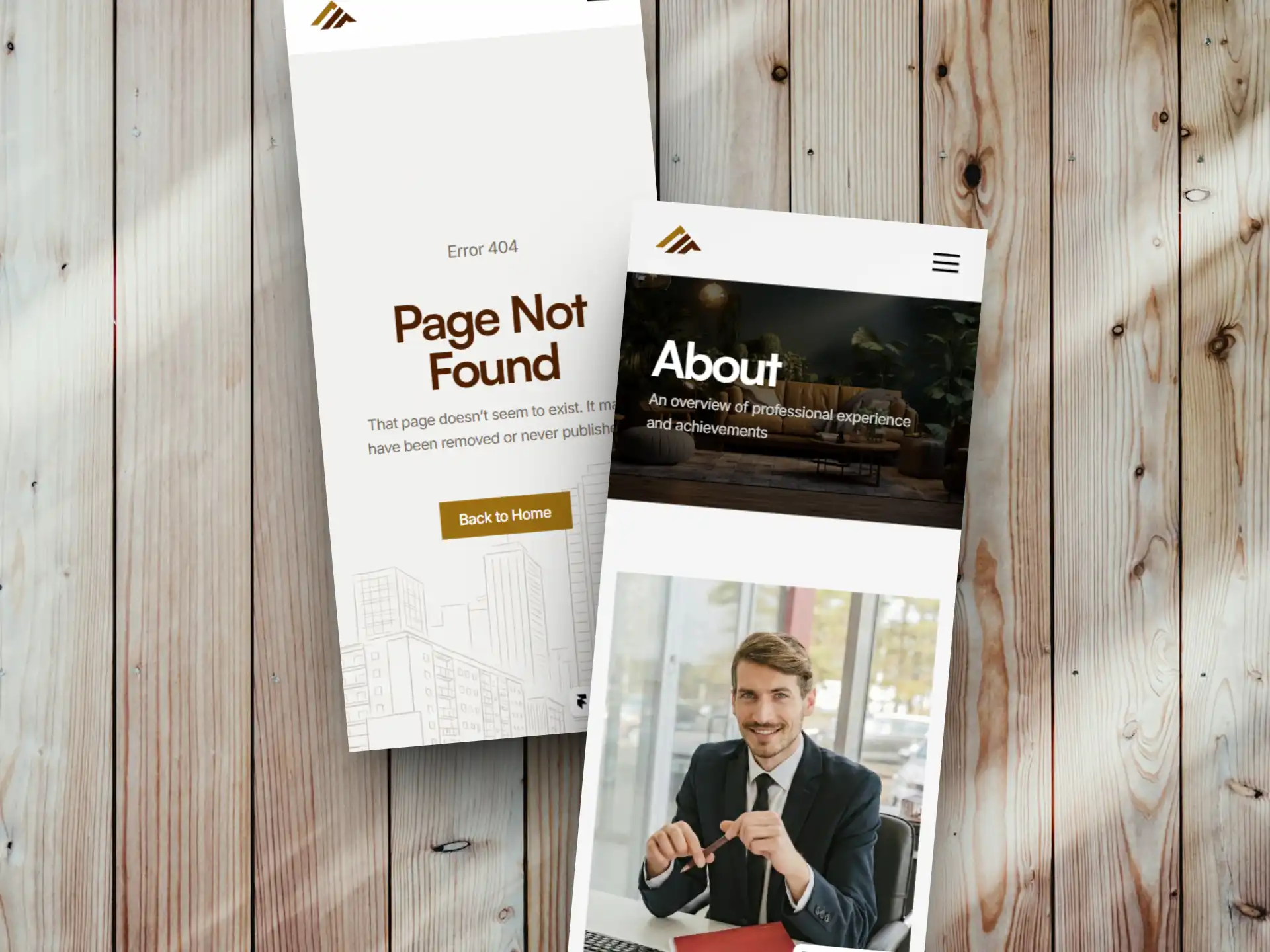
Don’t just open your website on a desktop and assume everything is fine.
Open it on your phone and actually use it. Open the menu, browse your listings, swipe through property photos, read the details, tap the buttons, and open the Contact page.
Pay attention to the small things too. Is the text easy to read? Are the buttons easy to tap? Does anything feel awkward or difficult to use?
Your website doesn’t just need to look good on a phone. It needs to be easy to use.
3. Click Every Important Button
A button can look completely normal while sending visitors to the wrong page, a broken link, or nowhere at all.
Go through the important buttons and links on your website. Try View Listings, Request a Showing, Contact, Book a Call, Email, Phone, and your social links.
Don’t assume they work because they worked when you first launched the website.
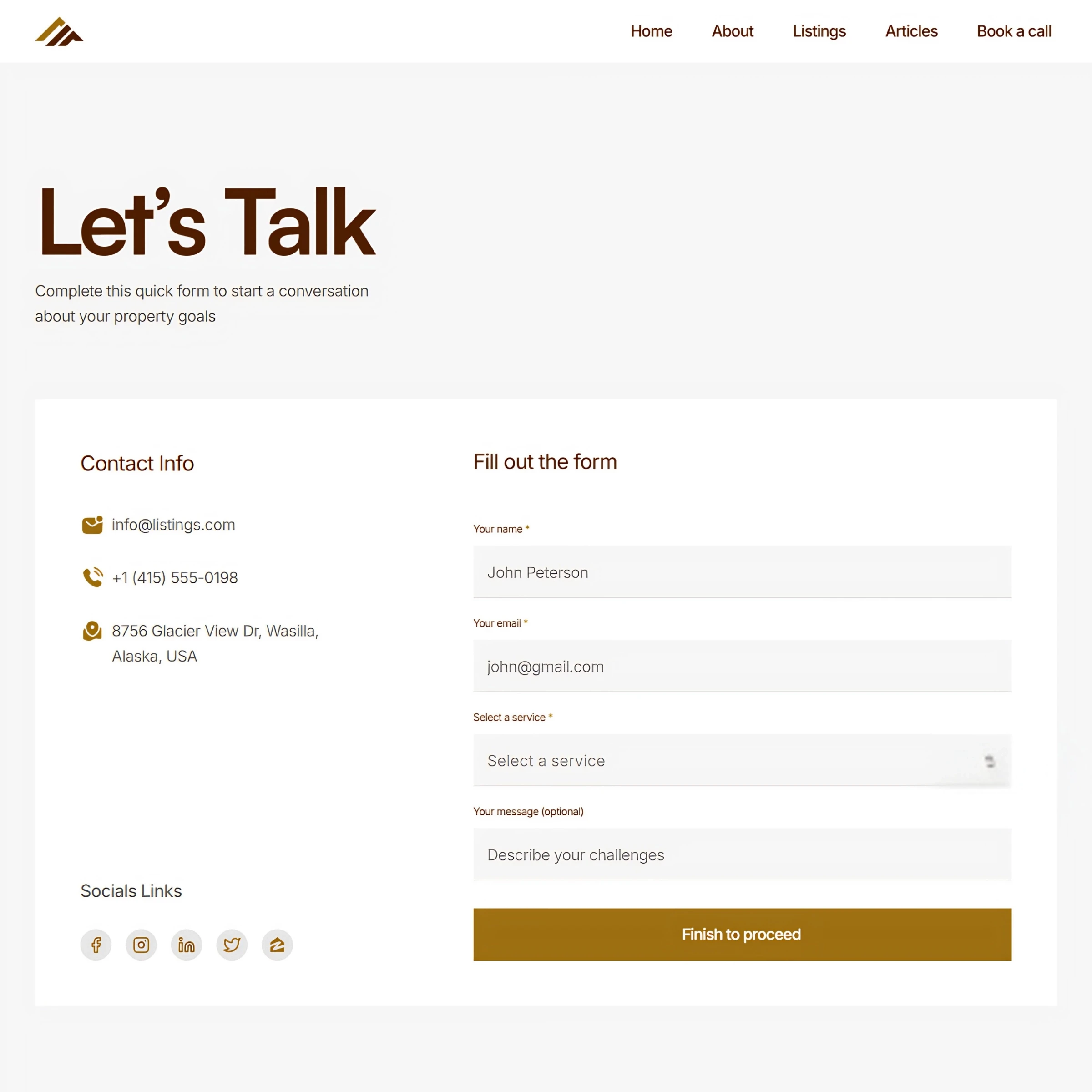
4. Send Yourself a Test Inquiry
Don’t assume your contact form works because it worked when you first added it. Submit a test inquiry yourself and see what happens.
Does the form actually submit? Do you receive the message? Does the visitor see a confirmation? Does the email contain the information you need?
If you use a booking link, test that too. The easiest way to know whether your inquiry system works is to use it yourself.
5. Check What a Stranger Sees About You
Now forget that it’s your website for a minute and look at it like someone who knows nothing about you. Check the images and content across the website.
Are the photos high quality? Do they look current and professional? Does the copy still feel relevant?
Look for old announcements, outdated information, low-quality images, or sections that feel like they haven’t been updated in years. Your website doesn’t need to look flashy. But it should feel current, professional, and cared for.
6. Check Your Social Links and Contact Details
This is a small thing, but it’s easy to get wrong.
Click your social links and make sure they go to the correct profiles. Then check your phone number and email address.
When someone clicks your email, it should open their email app. When they tap your phone number on their phone, it should let them call you. The same goes for your social links.
Don’t just check that the icon is there. Click it.
Give It One Quick Walkthrough
You don’t need to inspect every pixel before sending someone to your website.
Just give it one quick walkthrough:
Open the homepage → check your listings → open a property → test the mobile version → click the important buttons → send a test inquiry → check your contact details.
It shouldn’t take long, but it can help you catch problems before someone else does.
Wrapping It Up
Your website is often the next place someone goes after meeting you, finding you on social media, getting a referral, or seeing one of your listings.
So before you send them there, use it like they would.
If you want a real estate website where your listings are easy to manage and your visitors can browse properties and get in touch without confusion, check out Listings, a complete real estate website solution.
Not ready for the full template yet? Start with Listings Starter. It’s FREE, so you can explore the website and see how a cleaner real estate site could work for you.
Explore More Related Articles

Continue Reading
Real Estate
Top 5 Reasons Your Real Estate Website Might Be Losing Clients
5 min read
Sep 12, 2026
Real Estate

Continue Reading
Real Estate
What Should the First 10 Seconds on a Realtor Website Feel Like?
5 min read
Sep 9, 2026
Real Estate

Continue Reading
Real Estate
Is Your Design Studio Website Making These 5 Mistakes?
5 min read
Sep 5, 2026
Real Estate

Continue Reading
Real Estate
How to Make Your Product Design Website Tell Your Story
5 min read
Sep 2, 2026
Real Estate